FIELD gives field technicians AI-powered answers, complete machine history and live expert support in one place, not three separate tools.
FIELD watches for the fault while the technician works
The moment a signal drifts out of range, FIELD flags it, diagnoses it against approved knowledge, and confirms the fix, before the technician has to look it up.
Every fix in the field becomes intelligence
Capture expertise.
Scale it instantly.
Every tool solves one part of the problem. None solve the job.
Remote support platforms put an expert on a video call, but they know nothing about the asset in front of the camera. AI assistants answer from a document set with no service record behind them. Knowledge bases hold the manuals but cannot reason across them. Maintenance systems record what was done without helping anyone decide what to do next.
A technician standing at a stopped machine needs all four at once: a sourced answer, that machine's history, the OEM's guidance, and, when the answer isn't there, a live expert.
Six capabilities, one system of record
AI Assistant
Instant, sourced answers drawn only from approved manuals and bulletins, every response cites the document and page it came from.
Machine & system history
A full service record per asset, down to the component, searchable by fault, part number, date or technician.
Knowledge centre
Manuals, service bulletins and known issues in one approval-gated library, nothing reaches the field unreviewed.
Remote expert support
Live AR and video assistance launched from the machine record, so the expert arrives already holding the context.
Multi-OEM fleet support
One library and one workflow across every brand on site, mixed fleets are the norm, not an exception to configure around.
Configuration history
Snapshot diffs showing exactly what changed since a machine last worked, components swapped, firmware moved, parts removed.
From question to sourced answer, or to a live expert
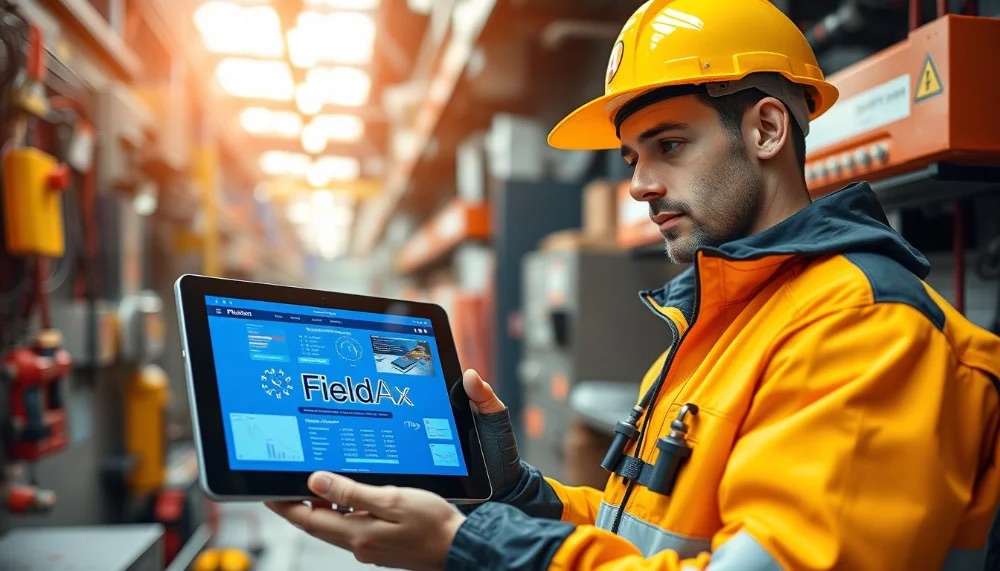
The technician asks
In plain language, from the machine record or the mobile app, glove-friendly and offline-tolerant.
FIELD searches
Approved knowledge, that asset's service record and its configuration history, together, not separately.
A sourced answer
Steps, torque figures and part numbers with citations back to the manual or bulletin behind them.

Or it escalates
When confidence is low, FIELD opens a live expert session carrying the question and asset context with it.

One technician, one phone, the whole service behind them
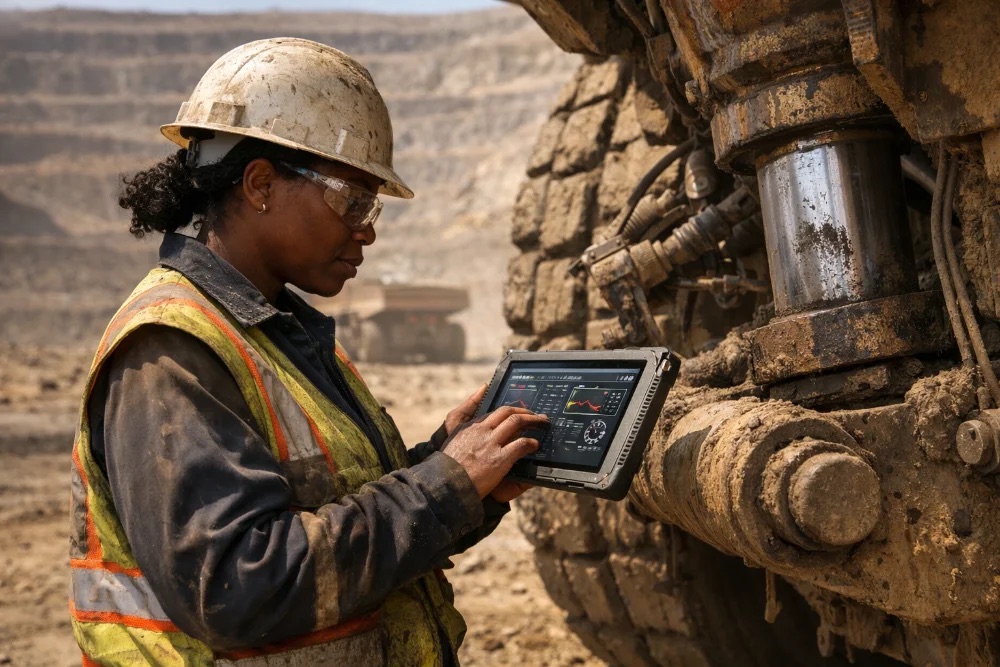
A shift starts at the machine, not at a desk. FIELD travels with the technician, scan the asset, ask the question, log what was done, and pull an expert in when the answer isn't written down anywhere.


Point the camera. Ask what's wrong.
A technician holds up a phone to a stopped machine and asks the question out loud. FIELD Vision identifies the asset, reads what it sees, and reasons across the same approved knowledge and service history the assistant uses today.
Engineered for mine sites, not offices
FIELD is multi-tenant by design, with strict data separation between operations, role-scoped permissions for technicians, managers and remote experts, and a full audit trail over every question asked, document approved and answer given.
Who it's for: field technicians, technical managers, dealer and distributor technicians, and remote experts.
Multi-tenant
Isolated per operation, per site
Audit-logged
Every action attributable and exportable
Role-scoped
Permissions by role, not by trust
Approval-gated
No unreviewed content reaches the field
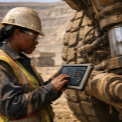

Built for the field. Designed to scale.
One admin portal gives technical managers a live view of every open fault, every technician and every machine, the same system of record the field is using, not a separate export.
Priced against your fleet, not your headcount
Standard billing is per asset under management, invoiced monthly, the same account most current clients already use. Enterprise is annual and negotiated per deal. List prices are still being set from live pilot data, contact us for current rates.
Always-on demo tenant with synthetic fleet data. No card, no time limit, sales-controlled.
Book a walkthrough →30 or 60 days, one site, 10–20 assets, full Standard feature set. Converts to Standard or ends on the agreed date.
Talk to sales →CMDB, document corpus, AI assistant with an included query allowance, knowledge base and standard support. Metered overage above the allowance.
Get current rates →Everything in Standard, plus white-label, SSO/SAML, OEM licence controls, priority support and a named contact. Annual, negotiated per deal.
Contact sales →All prices ex-GST. Australian B2B convention, Stripe Tax applies 10%.
What technical managers ask first
Something not covered here? Ask a support engineer.
See FIELD against your own fleet
A working session with your machine list, your manuals and your service records, not a generic demo environment.